
Reviews
TCL 32G64 Review: A Mini LED Gaming Monitor Tested on Our Console Sim Rigs
14 October 2026 · Ping Zero
Disclosure: TCL New Zealand loaned us this monitor for testing. TCL has supported Ping Zero since 2019, but they didn't see or approve this review before it went live. These are our honest impressions after running it at a real event.
Most monitor reviews are written at a desk. Ours was written after a full day of racing.
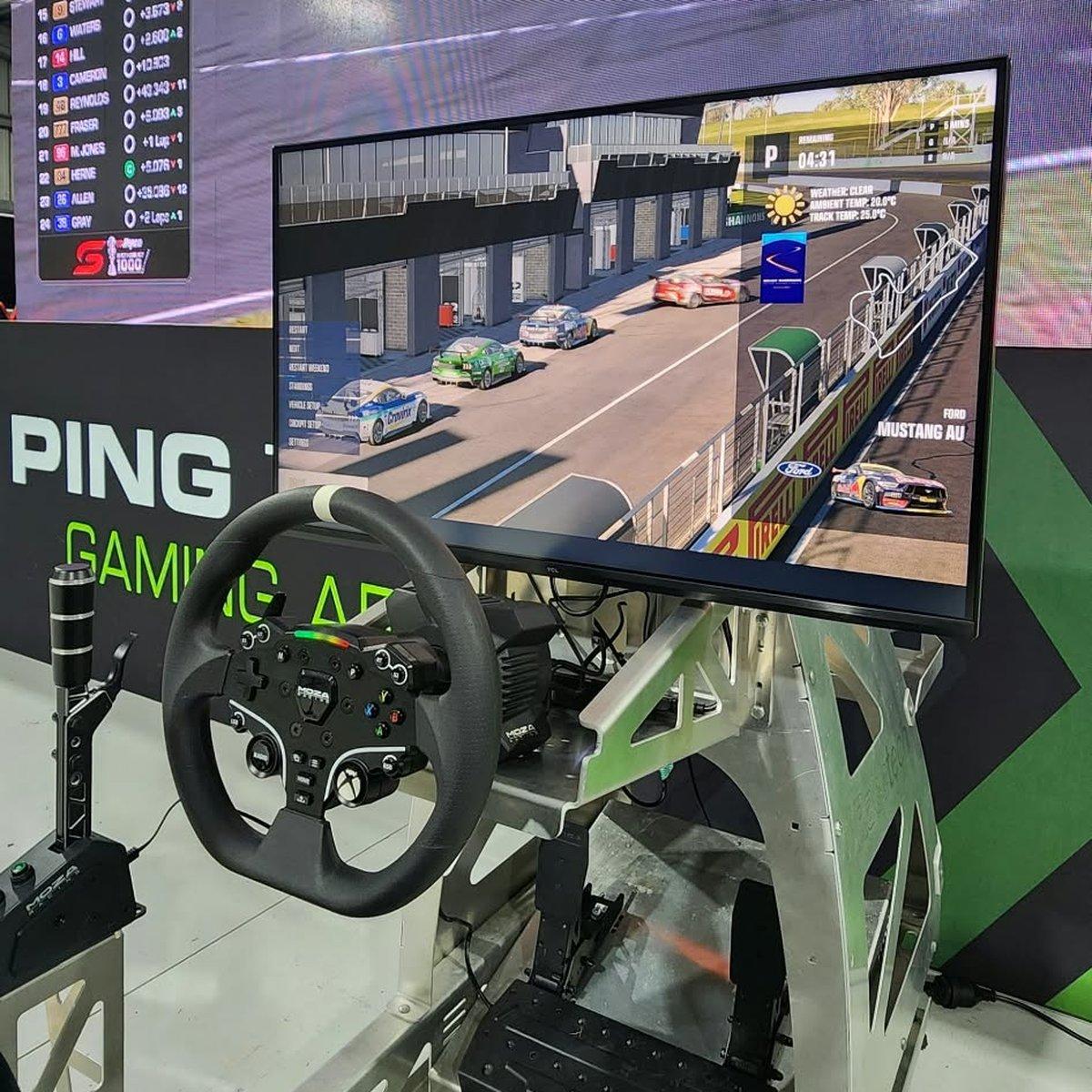
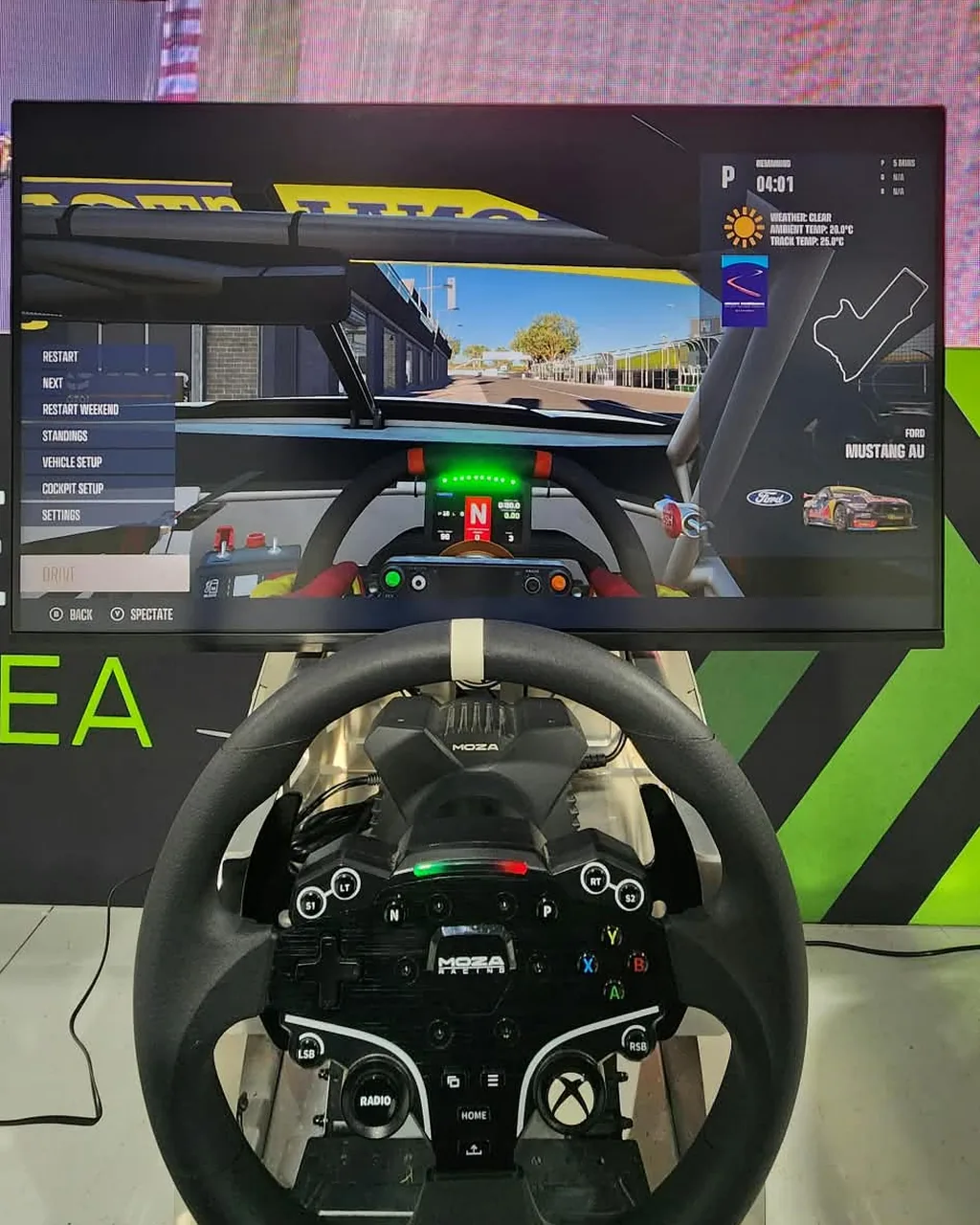
At our Great Race Day Bathurst watch party at Ping Zero HQ, we had five sims running from start to finish, and one of them was fitted with TCL's new 32in G64 (32G64) QD-Mini LED gaming monitor, connected to an Xbox Series X. Afterwards we tested it on a PS5 at the workshop too. Here's what we found.
TCL 32G64 at a Glance
- Screen: 32in flat, QHD 2560 × 1440
- Panel: QD-Mini LED (Fast HVA) with 336 local dimming zones
- Refresh rate: up to 180Hz over DisplayPort, 144Hz over HDMI
- Response time: 1ms (GtG)
- HDR: HDR600, up to 600 nits peak
- Colour: 96% DCI-P3, 10-bit, factory calibrated (ΔE ≤ 2), with sRGB, DCI-P3 and Adobe RGB modes
- Ports: 2 × HDMI 2.1, DisplayPort 1.4, headphone out
- Speakers: 2 × 3W built in
- Stand: height, tilt and swivel adjustment, plus VESA mount
- Controls: single joystick that doubles as the power button
- Gaming extras: FreeSync and G-Sync Compatible, crosshair overlays, Dark Field Control (brightens dark areas), FPS counter and game timer
- Price: $998 at Harvey Norman NZ (at time of writing)
How We Tested It
Our sim rigs get a harder life than most home setups. On an event day they run for hours, the drivers change every few minutes, and every one of them wants the screen to look great from the very first corner.
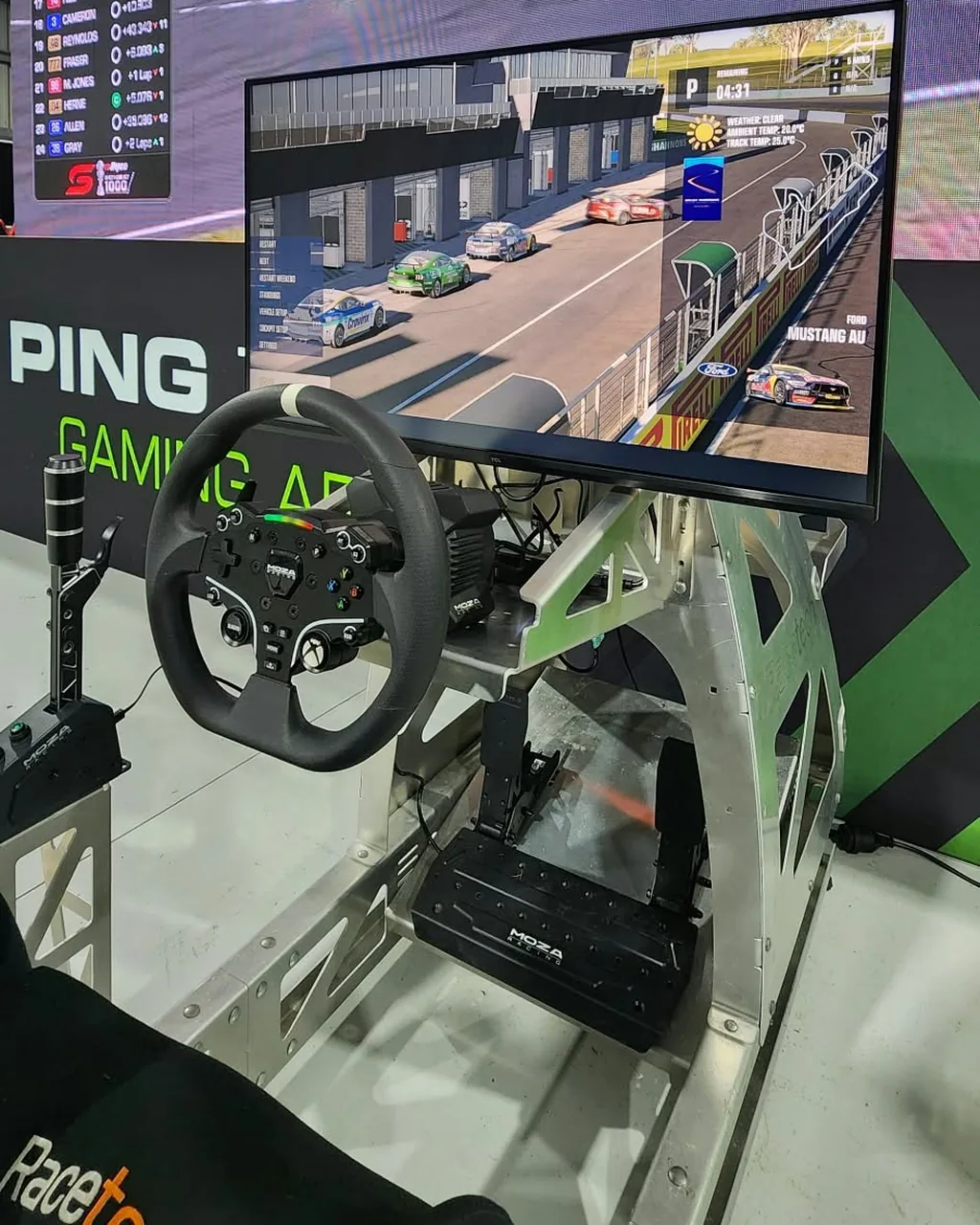
For context, our PC rigs run triple 1080p screens or 45in 1440p 21:9 ultrawides. Our console rigs are where the 32G64 fits, so that's where we put it: on a Racetech cockpit with a MOZA wheel, running an Xbox Series X all day, then a PS5 at the workshop. (PS5 sim racers, keep an eye on MOZA's new direct-drive gear for PS5 too.)
What We Liked
Brightness and HDR that actually pop
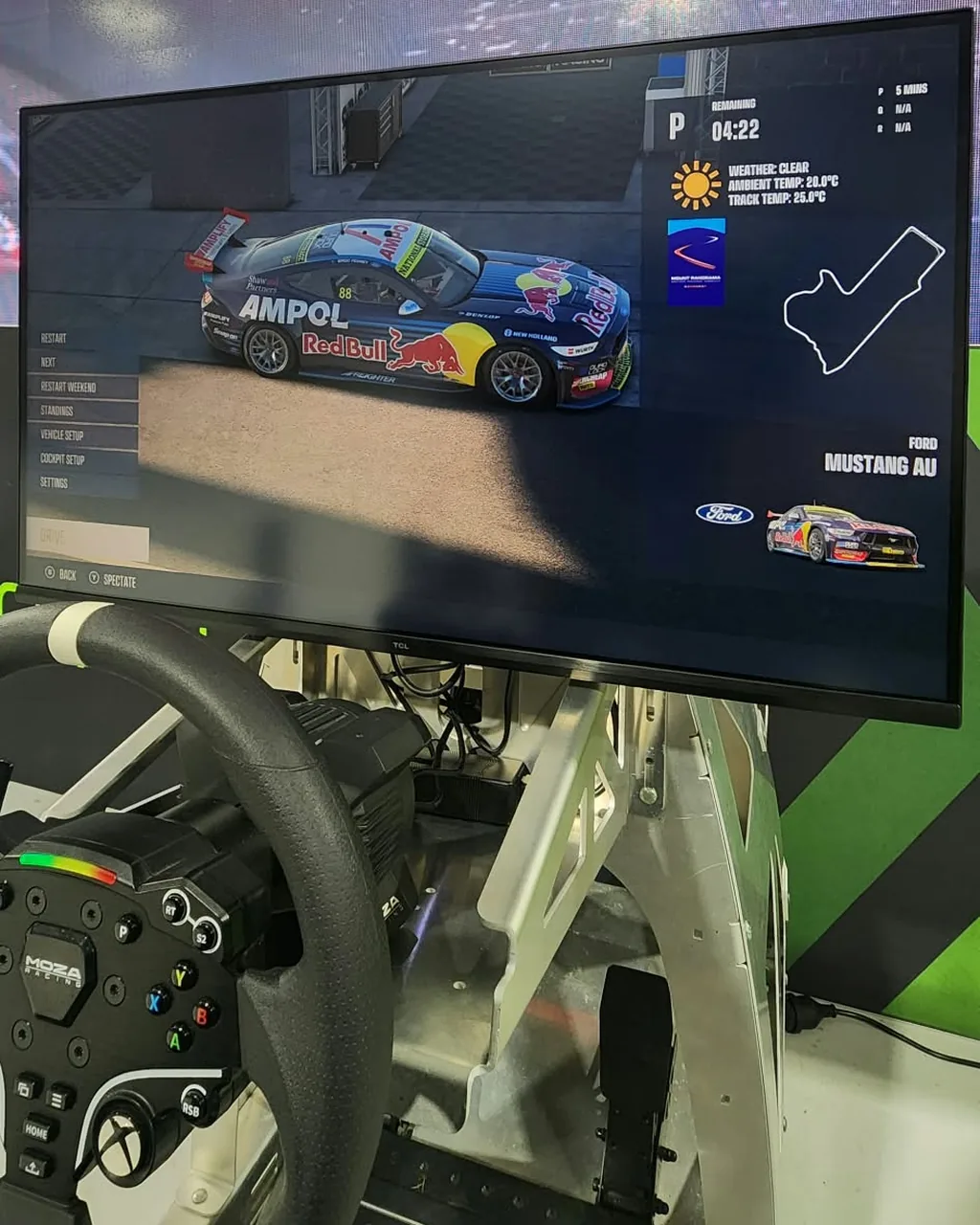
This is the standout. The Mini LED backlight gets properly bright, and HDR racing looks vivid, from sun-baked straights to reflections on the bodywork. In a room full of people and daylight, it held its own where cheaper monitors can look washed out.
Deep contrast in dark scenes
With 336 dimming zones, dark areas stay dark while headlights and dashboards stay bright. Night racing and tunnels looked far richer than on a standard LED monitor.
Smooth motion at speed
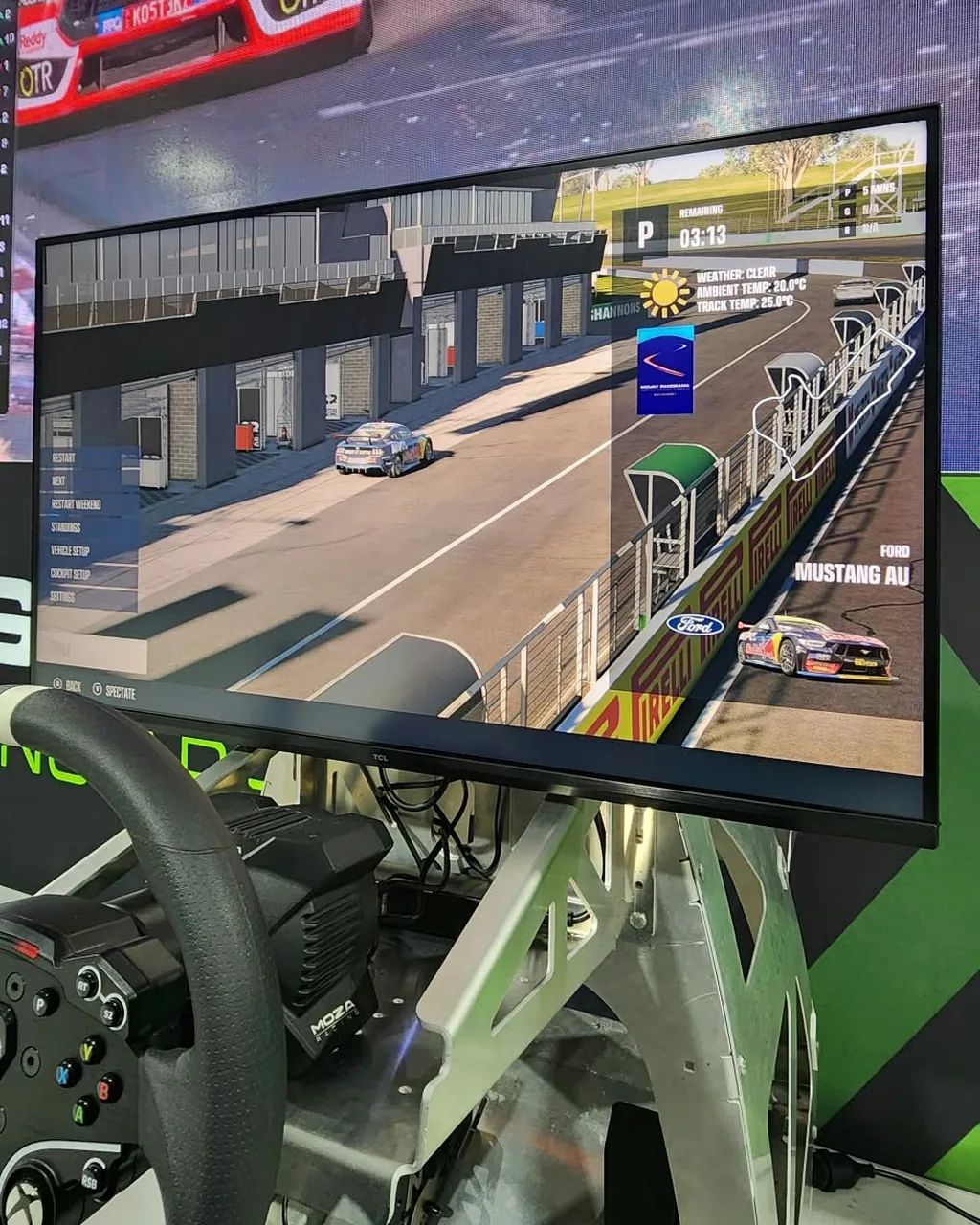
At racing speeds, motion clarity matters. Running at 120Hz on the consoles, the picture stayed smooth and sharp through fast direction changes, with no smearing that we noticed.
1440p at 120Hz: the console sweet spot
Xbox Series X and PS5 can both output 1440p at 120Hz, which matches what this monitor does over HDMI. You get a sharper image than a 1080p monitor with the high refresh rate that racing games benefit from, without paying extra for a 4K panel your console can't drive at high frame rates anyway.
Built-in speakers
We ran the built-in speakers all day at the event, and for events they're a genuine bonus: one less box and cable on the rig. Serious home sim racers will still want a headset or proper speakers, but for quick setups they do the job.
What Could Be Better
Mounting on a sim rig took some work
Fitting it to our Racetech cockpit took a bit of adjusting to get the height and angle right, and we had to add spacers to the VESA mount to get a clean fit. That's common with sim rigs rather than a fault of the monitor, but check how it will mount on your rig before you buy, and have a few spacers handy.
A few settings are buried deep
The menu system itself is easy to navigate, but some features are buried a few levels down. That's a pain when you want to change something quickly between drivers.
Our tip: everything is controlled by a single joystick, which doubles as the power button. You can reprogram two of its first-level shortcuts (where the joystick goes when you first push it) to whatever you use most. We set one to volume, so it's one push away and we rarely need the full menu.
Would We Run Three?
On our PC rigs we run 800R and 1500R curved triple screens, and for immersion nothing beats a wraparound view. Honestly, if budget allowed, we'd love to see three 32G64s in a triple-screen setup. Mini LED HDR across your whole field of view would be something special.
You'd need a serious PC to drive it, though. Three QHD screens side by side is 7,680 × 1440, about 11 million pixels, a third more than 4K. Running that at anything close to 180 frames per second would take a top-end graphics card like an RTX 4090 or 5090, with plenty of VRAM. One for the wishlist.
Our Verdict
For console sim racing on PS5 or Xbox, the TCL 32G64 is a great fit. It's bright, punchy and smooth, it runs 1440p at 120Hz with both consoles, and the built-in speakers make it easy to set up. At around $1,000, you're getting Mini LED HDR that used to cost a lot more.
If you're running a PC rig chasing the highest frame rates, or want a wraparound view, curved triples or an ultrawide are still the way to go. For a console rig at home, though, it's an easy recommendation, and it earned its place in our lineup on a busy event day.
You can find the TCL 32G64 at Harvey Norman NZ.
TCL 32G64 FAQs
Is the TCL 32G64 good for PS5 and Xbox? Yes. Both consoles output 1440p at 120Hz over HDMI, which this monitor handles natively. We ran it on an Xbox Series X all day at an event and on a PS5 at our workshop.
Does the TCL 32G64 do 120Hz on consoles? Yes. It supports up to 144Hz over HDMI 2.1, so PS5 and Xbox Series X can run at their full 120Hz. The 180Hz maximum is for PCs over DisplayPort.
Does the TCL 32G64 have built-in speakers? Yes, two 3W speakers. We used them all day at our event. They're fine for quick setups, but a headset or proper speakers will sound better at home.
Is the TCL 32G64 good for sim racing? For a single-screen console rig, it's a great choice: bright HDR, deep contrast and smooth motion at speed. Check your VESA mounting before you buy, as we needed spacers to fit it on our rig.
Want to Try a Sim Rig Before You Buy?
The best way to know what suits you is to drive one. Our sim racing rigs are available to hire across Auckland, delivered and set up ready to race. Running an event? We bring sims, live leaderboards and crew to corporate events and activations nationwide.
Read more about how our rigs have evolved in How Our Racetech Sim Rigs Grew With Us, or get in touch to book.


